

Key Takeaways
- Most single-person households with moderate use can function well on 25-50 Mbps download speeds.
- Each simultaneous HD video stream typically requires 5-8 Mbps of dedicated bandwidth.
- Video calls and remote work demand reliable upload speeds, not just fast downloads.
- The number of active devices on your network matters as much as individual activity types.
- Paying for more speed than you use is common - understanding your actual needs can prevent overspending.
- Speed alone doesn't guarantee a good experience; latency and connection consistency also play a role.
Home Internet Speed
Internet speed refers to how quickly data travels between the internet and your home - measured in megabits per second (Mbps). Download speed determines how fast you receive content like videos, web pages, and files. Upload speed affects how fast you send data, which matters for video calls and cloud backups. The speed you need depends on how many people use your connection and what they do online.
ISPs advertise peak or "up to" speeds; real-world throughput is often lower due to network congestion, router hardware, and signal interference. See our guide to internet speed terms for a full breakdown of Mbps, latency, and upload vs. download.
Why "How Much Speed Do I Need?" Has No Single Answer
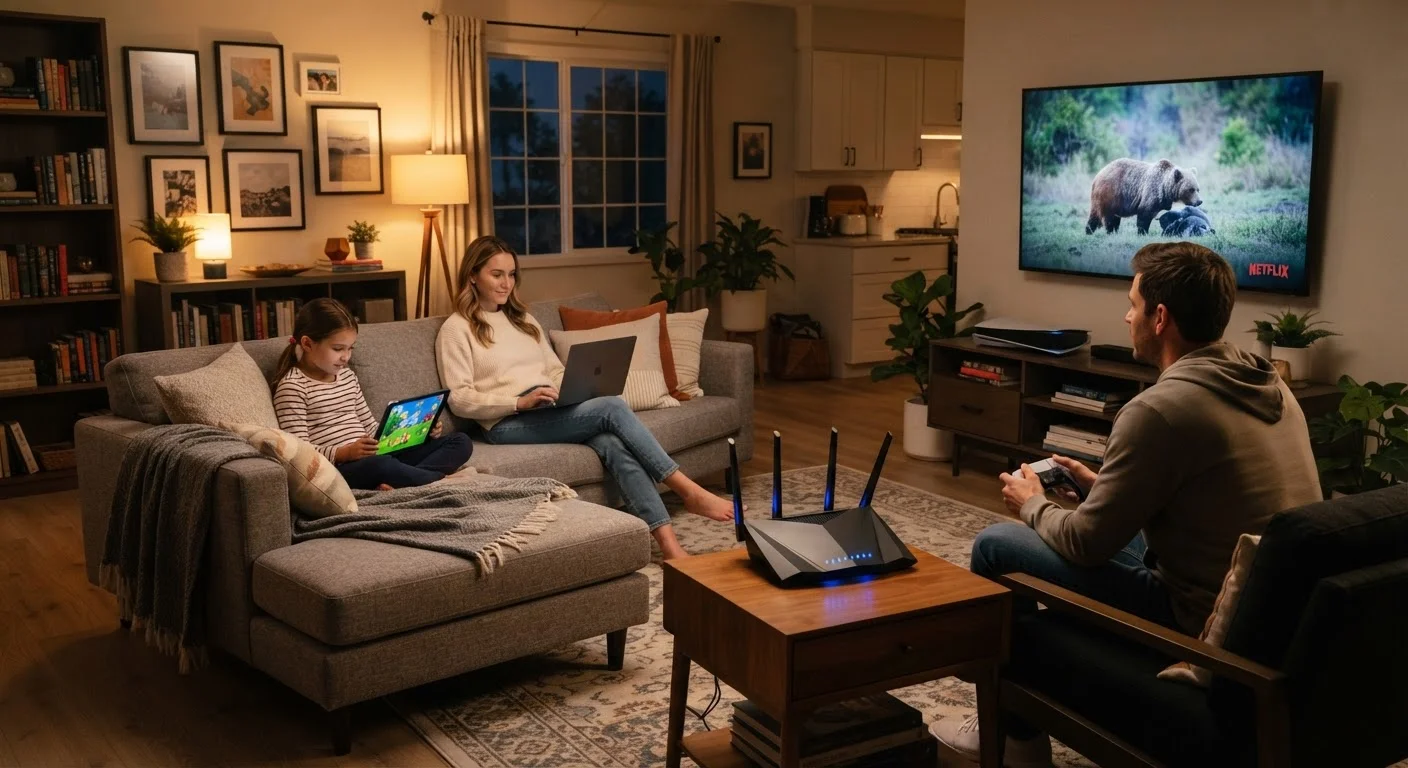
Internet speed requirements vary dramatically depending on three factors: the number of people in your home, the number of devices connected at any given time, and the type of activities those devices are running. A retired individual who browses news sites and video chats with family has fundamentally different needs than a household of five with remote workers, gamers, and four streaming TVs.
The Federal Communications Commission (FCC) has historically defined broadband as 25 Mbps download and 3 Mbps upload - a threshold that reflects minimum functionality, not comfortable everyday use for most American households today. Understanding what you actually consume is a more useful starting point than any single benchmark number.
25 Mbps
FCC minimum broadband definition (download)
The FCC has historically set this as the minimum threshold for broadband service, though many households require significantly more for comfortable multi-device use.
~17
Average connected devices per U.S. household
According to Deloitte's Digital Media Trends research, the average American household has a growing number of connected devices, each adding to total bandwidth demand.
15-25 Mbps
Recommended speed per 4K stream
Major streaming platforms including Netflix and YouTube recommend this range for stable 4K Ultra HD playback without buffering interruptions.
Bandwidth by Activity: What Each Task Actually Consumes
Breaking down common online activities by their approximate bandwidth requirements gives you a concrete foundation for calculating your needs:
- Standard definition (SD) streaming: 1-3 Mbps per stream
- HD streaming (1080p): 5-8 Mbps per stream
- 4K Ultra HD streaming: 15-25 Mbps per stream
- Video conferencing (standard quality): 1-2 Mbps upload and download per participant
- Video conferencing (HD, e.g., Zoom, Teams): 3-5 Mbps upload recommended per active call
- Online gaming: 3-6 Mbps download, but low latency matters far more than raw speed
- General web browsing and email: 1-5 Mbps is typically sufficient
- Smart home devices (cameras, speakers, thermostats): Usually under 1-2 Mbps each, but they add up
Add up simultaneous peak usage across your household and you have a working estimate of what your connection needs to handle at its busiest moments.
Sizing Your Plan: A Household-Level View
Rather than thinking about individual activities, think about your household's concurrent peak load - what's running at the same time during the busiest hour of your evening.
A couple works from home full-time. One is on video calls most of the day; the other uploads large design files to a cloud server. In the evening, they stream HD video on two TVs.
A single renter streams one show at a time, browses social media, and occasionally joins a video call for work.
A household of five includes two school-age children doing homework video calls, a teen gaming online, and parents streaming in 4K on the main TV.
An older adult uses a tablet primarily for email, reading news sites, and occasional video chats with grandchildren.
As a rough planning guide:
| Household Size / Usage Profile | Suggested Download Speed |
|---|---|
| 1-2 people, light use (browsing, email, occasional streaming) | 25-50 Mbps |
| 2-3 people, moderate use (HD streaming, video calls, general browsing) | 50-100 Mbps |
| 3-5 people, heavy use (multiple HD/4K streams, remote work, gaming) | 100-300 Mbps |
| 5+ people or power users (4K on multiple TVs, heavy cloud work, many smart devices) | 300 Mbps or more |
These are guidelines for download speed. If your household includes remote workers who frequently upload files or conduct video calls, pay close attention to your plan's upload speed - often a weak point on standard cable plans. For a deeper look at how upload and download differ, see our explainer on internet speed terms.
The Role of Latency and Connection Type
Speed in Mbps tells you how much data can flow - it doesn't tell you how quickly your connection responds. Latency (measured in milliseconds) is the delay between sending a request and receiving a response. For gaming and real-time video calls, low latency matters more than high download speeds.
Your connection technology also affects the ceiling of what's achievable. Fiber internet typically delivers symmetrical upload and download speeds with low latency. Cable is widely available and fast for downloads but often asymmetric. DSL speeds and latency vary based on distance from infrastructure. Fixed wireless can be a viable rural option but may face weather or congestion limitations. Our comparison of DSL, cable, fiber, and fixed wireless covers these trade-offs in detail.
If your connection feels slow even though your plan looks adequate on paper, the problem may not be speed at all - it could be router hardware, Wi-Fi signal quality, or provider-side congestion. Our troubleshooting checklist for slow internet can help you isolate the cause before calling your ISP.
Avoiding Common Speed Mistakes
Two opposite mistakes trip up most households: paying for far more speed than they'll ever use, or underestimating needs and living with chronic congestion. Neither serves you well.
If your current plan consistently delivers smooth performance across all your devices at peak hours, upgrading speed is unlikely to produce noticeable improvement. Conversely, if you regularly experience buffering, dropped video calls, or lag - and you've ruled out router or device issues - your plan may genuinely be undersized for your household's load.
It's also worth checking whether your actual delivered speeds match what you're paying for. ISPs advertise "up to" speeds that may not reflect everyday performance. Learn how to interpret speed test results in our article on signs you're getting less speed than you're paying for.
“The question isn't just 'how fast is your internet?' It's 'how many people and devices are competing for that bandwidth at the same time?' Congestion at home works the same way as congestion on a highway - more cars, same lanes, slower traffic.”
— Internet & Telecom Editorial Team, Editorial analysis based on FCC broadband data and industry usage research