

Key Takeaways
- ISPs advertise 'up to' speeds, meaning your actual connection may legally fall short of that figure.
- Consistent speed test results well below your plan tier are a reliable indicator of underperformance.
- Wi-Fi signal loss, outdated equipment, and network congestion are common - but fixable - culprits.
- Documenting your results gives you leverage when contacting your ISP for a resolution or credit.
- Slow speeds aren't always your provider's fault - your own router or devices may be the bottleneck.
When 'Up to' Means Less Than You Think
Your internet plan promises a headline speed - say, 300 Mbps - but that number comes with a quiet asterisk. Federal Trade Commission guidance has long noted that 'up to' speed claims are a ceiling, not a floor. Providers are not contractually obligated to deliver that figure consistently to every customer at every hour. That gap between advertised and actual performance costs real money and real productivity for millions of American households.
Understanding whether you are receiving what you are paying for starts with knowing what to look for. The signs are often subtle: a video call that keeps pixelating, a download that crawls past dinner, pages that hesitate before loading. To understand what's happening inside your connection, see our plain-language breakdown of how home internet works.
The list below identifies the clearest warning signs - and explains what each one actually means before you call your ISP or consider switching providers.
Speed tests consistently fall well below your plan tier
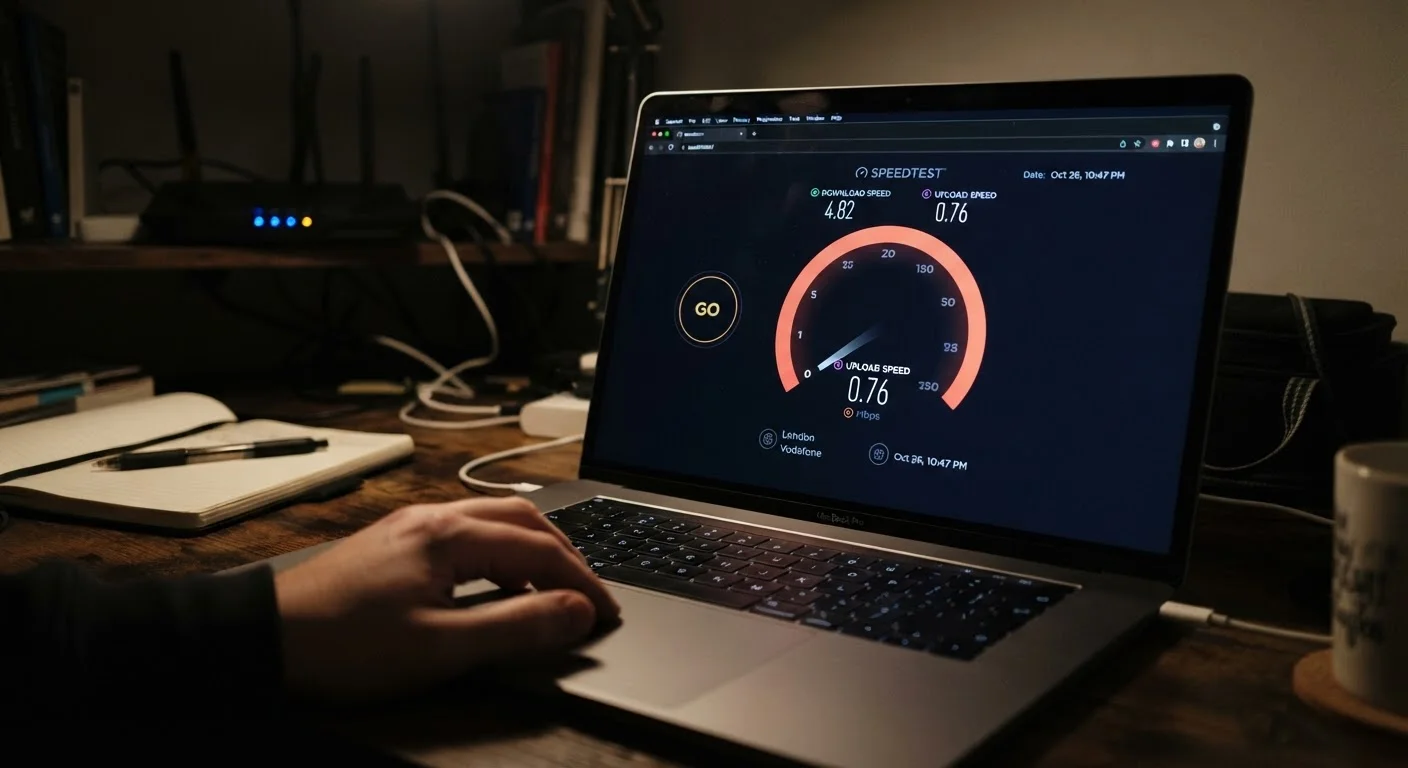
A single slow test proves little. A pattern does. Run speed tests - using a browser-based tool like Speedtest by Ookla or Google's built-in speed test - at multiple times across several days: weekday mornings, evenings, and weekends. Test via a wired Ethernet connection to eliminate Wi-Fi as a variable.
If your results are regularly below 50 to 60 percent of your advertised speed even on a wired connection, that is a meaningful gap worth investigating. The threshold matters: some variation is normal, but sustained underperformance signals a problem upstream of your home network. Check what speeds your household actually needs using our guide on what internet speed you actually need at home.
A pattern of low speed test results - not a single bad reading - is the clearest evidence of underperformance.
Speeds drop sharply during evening hours
Network congestion is real. During peak hours - roughly 7 p.m. to 11 p.m. in most US markets - many households share the same neighborhood infrastructure, and speeds can drop noticeably. This is especially common with cable internet, where bandwidth is shared across a node serving dozens of nearby homes.
If your connection feels responsive at 10 a.m. but crawls at 9 p.m., congestion on your provider's local network is likely the cause. This is not your equipment failing - it is a capacity problem on your ISP's side, and it is worth reporting if it happens regularly.
Dramatic evening slowdowns often point to network congestion on your ISP's infrastructure, not your home setup.
Your upload speed is far slower than download
Most consumer internet plans are asymmetric by design - download speeds are much higher than upload. But if upload speed is so constrained that video calls drop quality or file uploads stall, it may indicate your plan tier is inadequate or that your connection has a specific upstream issue.
This matters increasingly as more households use video conferencing, cloud backups, and live streaming. Fiber plans tend to offer more balanced upload speeds than cable or DSL. If upload performance is a chronic bottleneck, it may be worth asking your ISP whether a different plan structure is available at your address.
Painfully slow uploads during calls or cloud backups may mean your plan's upload tier doesn't match how you actually use the internet.
Wi-Fi speeds are far lower than your wired connection
A large gap between your wired and wireless results is not a provider problem - it is a home network problem. Your router's age, placement, and frequency band all affect Wi-Fi performance significantly. A router that is several years old may not support the wireless standards needed to deliver speeds your plan can offer.
Common fixes include repositioning the router centrally, upgrading to a more capable router or mesh system, or switching devices to the 5 GHz band for faster throughput at shorter ranges. Our article on why your Wi-Fi keeps dropping covers the most frequent culprits in detail.
A big gap between wired and wireless speeds usually means your router - not your ISP - is the limiting factor.
Your modem or router is outdated or ISP-owned
Equipment matters. An older DOCSIS 3.0 modem, for example, cannot support multi-gigabit cable plan speeds - that ceiling is imposed by the hardware, not the connection itself. Similarly, ISP-provided gateway devices are often entry-level models that may not handle the speeds customers are paying for, particularly in larger homes or with many connected devices.
Check whether your modem is certified for your current plan tier. This information is typically available on your ISP's equipment compatibility page. Renting equipment from your provider also adds a monthly fee that, over time, often exceeds the cost of purchasing your own - though compatibility with your specific plan and ISP should always be confirmed first.
Outdated or ISP-provided modem hardware can cap your real-world speeds regardless of what plan you're paying for.
High latency disrupts real-time activities
Speed - measured in Mbps - is not the only performance metric that matters. Latency (the time it takes data to travel from your device to a server and back, measured in milliseconds) determines how responsive your connection feels during gaming, video calls, and web browsing. High latency causes lag even when download speeds look fine on paper.
Fiber connections typically offer latency under 20 milliseconds. Cable runs 10-40 ms. DSL can exceed 50 ms. Satellite internet - particularly traditional geostationary satellite - often exceeds 600 ms, which makes real-time applications difficult regardless of headline speeds. If your latency is consistently high for your connection type, that is worth flagging with your provider. For more context on satellite trade-offs specifically, see our piece on satellite internet trade-offs.
High latency can make a connection feel sluggish even when your speed test shows acceptable Mbps numbers.
Performance degrades with more devices connected
If speeds seem fine with one device active but drop noticeably when several are in use simultaneously, you may be experiencing bandwidth saturation - your plan's actual throughput isn't sufficient for your household's real-world demand. This is a plan-sizing issue, not necessarily a service quality issue.
However, it can also point to router limitations: older routers struggle to manage multiple simultaneous connections efficiently. Before upgrading your plan, verify your router is capable of distributing available bandwidth effectively across all connected devices. Many households discover they are paying for speed their equipment cannot actually distribute. Common misconceptions about what drives internet performance are explored in our guide to home internet myths.
Speeds that crater when multiple devices connect often signal a plan or router limitation, not a service failure.
What to Do With What You Find
Identifying the problem is step one. Acting on it effectively is step two. If speed tests consistently show you are receiving less than roughly 80 percent of your advertised plan speed - tested on a wired connection during off-peak hours - you have a credible case to bring to your provider. Keep a log of at least five to ten test results across different times of day, noting the date, time, and conditions.
Document Before You Call
When contacting your ISP about underperformance, documentation is your strongest tool. Save screenshots of speed test results with timestamps, note the time of day and device used, and specify whether you tested via Wi-Fi or a wired connection. Providers are more likely to escalate your case - or offer a service credit - when you present a clear pattern rather than a single complaint.
If your ISP cannot resolve the issue after a service call or equipment swap, it may be worth exploring whether a different provider serves your address - a process with more steps than most people expect. Our guide to switching internet providers without losing your mind covers how to navigate that transition without service gaps or hidden fees. And if slower-than-expected speeds turn out to be a device problem rather than a connection problem, diagnosing lag on your devices can save you from unnecessary upgrades.
Informed consumers get better outcomes. Knowing the signs, running the tests, and understanding your results puts you in a much stronger position - whether the fix is a router reboot or a frank conversation with your ISP's retention department.