

Key Takeaways
- Range extenders are affordable but cut available bandwidth and create separate network names.
- Mesh systems offer seamless roaming and self-optimizing coverage across multiple nodes.
- Wired access points deliver the most reliable, highest-performance whole-home coverage.
- Home layout, wall materials, and square footage should guide your hardware choice.
- No hardware upgrade replaces optimizing your router placement and settings first.
Why Single-Router Coverage Breaks Down
A single router placed in one corner of a home was never designed to push reliable Wi-Fi signal through every wall, floor, and hallway. Radio waves weaken with distance, and common building materials - concrete, brick, plaster, and metal ductwork - absorb and deflect signal significantly. The result is the familiar dead zone: full bars in the living room, one bar or none in the upstairs bedroom or detached garage.
Before investing in any new hardware, it's worth understanding what's actually happening with your connection. Our plain-language breakdown of how home internet works covers the fundamentals. You should also rule out simpler fixes first - router repositioning, channel selection, and settings tweaks can meaningfully improve coverage at no cost.
If you've exhausted those options and still have persistent dead zones, the three hardware solutions below are worth understanding in depth.
Range Extenders: The Quick Fix and Its Limits
A Wi-Fi range extender (sometimes called a repeater or booster) picks up your existing router's signal and rebroadcasts it from a new location. Plug one into an outlet halfway between your router and the dead zone, and the signal reaches further.
The appeal is obvious: they are inexpensive, require no wiring, and are widely available. But the trade-offs matter:
- Bandwidth cut: Most single-band or basic dual-band extenders must receive and retransmit on the same radio channel, effectively halving the throughput available to devices connected through them.
- Separate network: Extenders typically broadcast a second network name (SSID). Your phone or laptop won't automatically hand off from the router to the extender - you have to switch manually, which defeats the point in larger spaces.
- Placement sensitivity: Extenders must be placed where they still receive a strong signal from the router. Too far and the extended signal is just as weak; too close and coverage barely improves.
Try Before You Upgrade
Before purchasing any new hardware, spend 15 minutes repositioning your existing router to a more central, elevated location and switching it to a less congested Wi-Fi channel. These free adjustments alone can eliminate many dead zones. Only invest in extenders, mesh, or access points once you've confirmed the problem isn't router placement.
Extenders work acceptably well in smaller homes or apartments where you need to push signal into one specific room with minimal obstructions. They are a poor fit for multi-floor homes or anywhere seamless roaming matters.
Mesh Wi-Fi Systems: How They Work and When They Shine
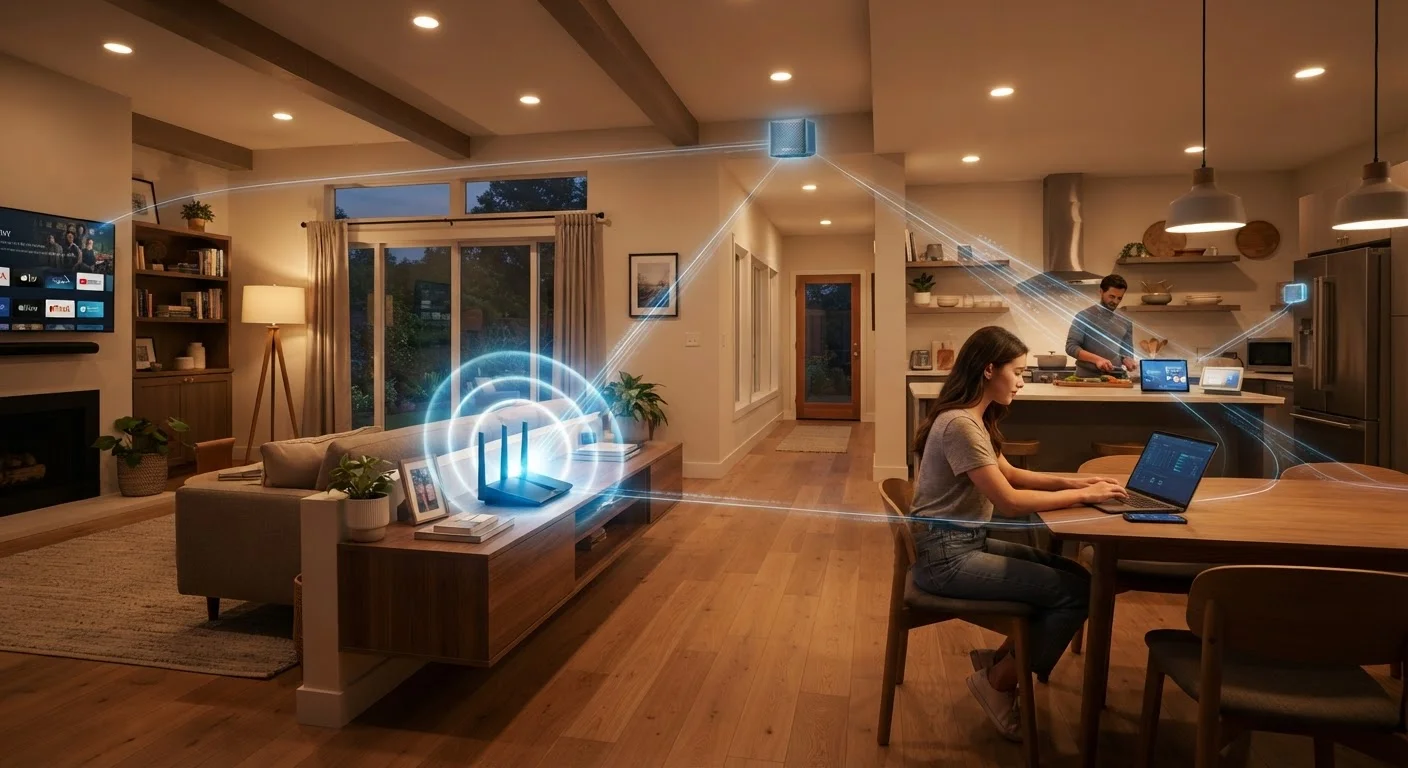
A mesh Wi-Fi system replaces your existing router with a set of interconnected nodes - typically two to four units placed around the home. Each node communicates with the others, creating a single unified network. Devices seamlessly roam between nodes as you move through the house, always connecting to whichever node offers the strongest signal.
~30%
Throughput loss from wireless backhaul
Industry testing has consistently shown that mesh nodes using a shared wireless backhaul can lose roughly 30-50% of throughput compared to a wired connection.
50%
Bandwidth reduction with single-band extenders
Single-band range extenders that receive and retransmit on the same channel reduce available bandwidth by approximately half for connected devices.
~150 ft
Typical indoor Wi-Fi range before degradation
Wi-Fi signal strength commonly degrades significantly beyond 150 feet indoors, with walls and floors reducing effective range further depending on materials.
Key advantages over extenders:
- Single network name: All nodes share one SSID. Your devices hand off automatically and invisibly.
- Self-optimizing: Modern mesh systems monitor network conditions and route traffic through the healthiest node path dynamically.
- Scalable: Most systems allow you to add nodes to expand coverage without starting over.
Many mesh systems use a dedicated wireless backhaul channel - a separate radio link used only for node-to-node communication - which preserves bandwidth for your devices. Systems that support a wired backhaul (connecting nodes via Ethernet) deliver even better performance.
Mesh systems suit homes ranging from around 1,500 to 6,000+ square feet, multi-story layouts, and households with many simultaneous users or bandwidth-intensive activities like video streaming and video calls.
Wired Access Points: The Professional's Choice
A wired access point (AP) connects to your router via an Ethernet cable run through the wall and broadcasts its own Wi-Fi signal. Multiple APs throughout the home create full coverage without any of the wireless backhaul compromises that affect extenders or even some mesh systems.
Because each AP gets its full bandwidth allocation directly from the wired network, there is no halving of throughput and no congestion caused by node-to-node wireless traffic. This is the approach used in offices, schools, hotels, and any environment where reliable coverage is non-negotiable.
Before purchasing access points, map your home's cable pathways - attic, basement, or conduit runs dramatically reduce installation complexity and cost.
The cable run is the most labor-intensive part of a wired AP installation; homes with accessible pathways can make this a straightforward weekend project or a lower-cost professional install.
When placing mesh nodes, aim for overlapping coverage zones of about 30-40% rather than pushing nodes to maximum separation - overlap ensures reliable handoff without gaps.
Nodes placed too far apart create a weak handoff zone where devices hold onto a poor signal rather than switching cleanly, negating the seamless-roaming advantage of mesh.
The practical barrier is installation: running Ethernet cable through walls and ceilings requires planning and, in many cases, a professional installer. Homes with accessible attics, unfinished basements, or existing cable runs are better candidates for this approach. If your home already has structured wiring, APs are likely the highest-performing upgrade available to you.
For anyone setting up a home network from scratch or undertaking a renovation, budgeting for in-wall Ethernet runs is one of the smartest long-term investments in connectivity. Our introduction to home networking concepts explains how routers, switches, and access points fit together if you want deeper context.
Choosing the Right Approach for Your Home
No single solution suits every home. Use these practical criteria to narrow your decision:
| Factor | Extender | Mesh System | Wired APs |
|---|---|---|---|
| Budget | Lowest | Mid to high | Mid (plus install cost) |
| Installation effort | Minimal | Low | High (cabling required) |
| Seamless roaming | No | Yes | Yes |
| Performance ceiling | Limited | Good to excellent | Excellent |
| Best for | Small spaces, one dead zone | Most homes, renters | Owners, new builds, large homes |
Renters or those in apartments will generally find a mesh system the most practical upgrade - no permanent installation, easy to take when you move. Homeowners with the ability to run cable, or those building or remodeling, should seriously consider wired APs for maximum long-term reliability.
It's also worth revisiting whether your internet plan itself is the bottleneck. Our article on common home internet misconceptions addresses why more speed doesn't always solve coverage problems.
Setup and Security Essentials
Whichever approach you choose, a few universal principles apply:
- Change default credentials immediately. Mesh systems and access points often ship with default admin passwords - these must be changed before the device goes live on your network.
- Keep firmware current. Manufacturers release firmware updates that patch security vulnerabilities and improve performance. Enable automatic updates where supported.
- Use a guest network. Isolate smart home devices and visitors on a separate network segment to reduce the risk of lateral movement if any device is compromised.
- Choose WPA3 encryption where available. If your devices support it, WPA3 is the current security standard for Wi-Fi networks; WPA2 remains acceptable but older.
For a deeper look at the practices that keep home networks protected, see our network security habits that actually matter.
Whole-home Wi-Fi coverage is a solvable problem. Matching the right technology to your specific home - its size, construction, and how you use it - is what separates a genuinely improved network from hardware that collects dust.