

Key Takeaways
- Resolution numbers describe how many pixels a screen uses horizontally and vertically.
- Higher resolution means more detail, but only if the screen size and viewing distance support it.
- 1080p, 4K, and Retina are all marketing terms for specific pixel count ranges.
- Pixel density (PPI) matters as much as raw resolution for perceived sharpness.
- Your content source must match your screen's resolution to get the full benefit.
Screen Resolution
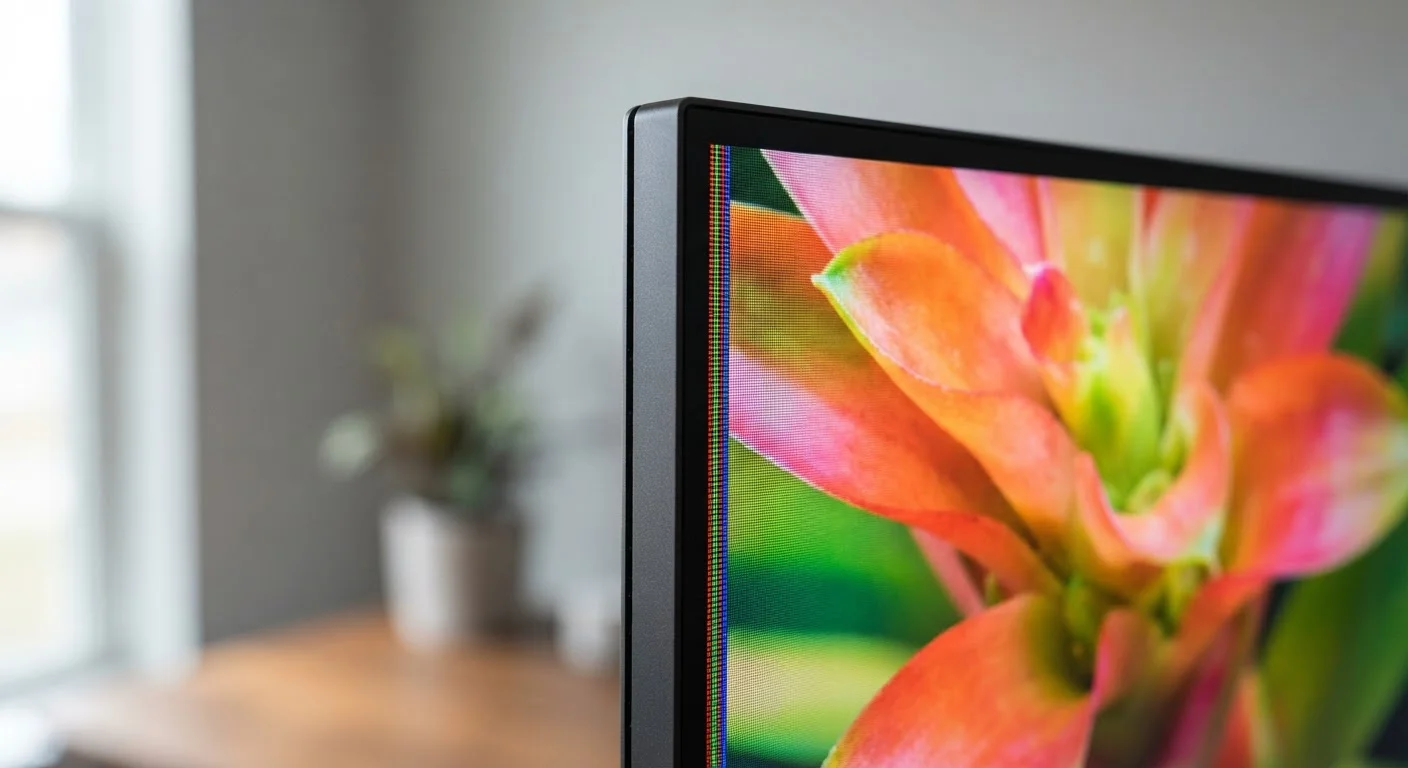
Screen resolution describes how many individual pixels - tiny colored dots - a display uses to build the image you see. It's expressed as two numbers, like 1920×1080, representing the count of pixels across the width and height of the screen. More pixels generally means finer detail, sharper text, and smoother edges.
Resolution alone doesn't determine visual quality; pixel density (measured in pixels per inch, or PPI) also depends on the physical screen size. A 4K image looks sharper on a 27-inch monitor than on a 65-inch TV viewed from the same distance.
The Basic Idea: Pixels as Building Blocks
Every image on a digital screen is built from pixels - microscopic squares of light that each display a single color. Your display arranges millions of them in a grid, and together they form the text, photos, and video you interact with every day.
When a screen's resolution is listed as 1920×1080, those numbers simply mean 1,920 pixels across and 1,080 pixels tall. Multiply them together and you get the total pixel count: about 2.07 million pixels painting every frame you see.
A higher pixel count lets the display represent finer detail. Thin lines stay crisp, small text stays legible, and curves look smooth instead of jagged. That's the core promise behind every resolution upgrade.
8.3M
Total pixels in a 4K display
A 3840×2160 (4K) screen contains approximately 8.3 million pixels - roughly four times the pixel count of a 1080p panel.
~458 PPI
Peak pixel density on some smartphones
Certain high-end smartphone displays have reached pixel densities above 450 PPI, far exceeding what the human eye can distinguish at normal phone-holding distances.
1080p
Most common streaming resolution globally
Full HD (1920×1080) remains the dominant delivery resolution for online video streaming across major platforms, according to industry streaming reports.
Decoding the Common Labels
The industry has layered marketing terms over raw numbers, which is where most of the confusion begins.
- HD (720p): 1280×720 pixels. Standard for older streaming content and smaller screens.
- Full HD / 1080p: 1920×1080 pixels. Still the most widely used standard for monitors, streaming, and broadcast TV.
- QHD / 1440p: 2560×1440 pixels. Common on mid-range to high-end monitors and some smartphones. A noticeable step up on screens 24 inches and larger.
- 4K / UHD: 3840×2160 pixels - four times the pixel count of 1080p. Increasingly standard for televisions and high-end monitors.
- Retina: Apple's label for any display where pixel density exceeds the threshold at which individual pixels are visible to the human eye at a typical viewing distance. The underlying resolution varies by device.
Understanding these as points on a spectrum - rather than entirely different technologies - makes the label game much easier to navigate. For a deeper look at how specs translate across device listings, see how product spec labels work.
Why Screen Size and Viewing Distance Change Everything
Resolution numbers alone don't tell the full story. What actually determines perceived sharpness is pixel density - how many pixels are packed into each inch of the screen, expressed as PPI (pixels per inch).
Consider two screens with identical 1080p resolution: a 24-inch monitor and a 55-inch television. The monitor fits those 2 million pixels into a much smaller physical area, resulting in a higher PPI and a visibly sharper image. The TV spreads the same pixels across a larger surface, making individual pixels easier to distinguish - especially from close up.
Viewing distance compensates for this. Sitting 8-10 feet from a 55-inch 4K TV, your eyes can't resolve individual pixels anyway, so the difference between 1080p and 4K may be minimal. Sitting two feet from a 27-inch monitor, the gap is clearly visible.
Match Your Resolution to Your Use Case
If you use your monitor primarily for text-heavy work like writing or coding, a higher pixel density (higher PPI) will reduce eye strain and keep text crisp. For large living-room TVs viewed from a distance, 4K offers the most benefit on screens 55 inches and larger. Knowing your typical viewing distance before focusing on resolution specs can save both confusion and money.
Resolution Only Works When Your Content Matches
A 4K screen can only display 4K detail if the source material is actually 4K. Streaming a 1080p video on a 4K TV means the TV is upscaling - intelligently stretching the lower-resolution image to fill the screen. Upscaling is increasingly sophisticated, but it cannot create detail that was never captured.
The same principle applies to your computer. Running a lower resolution on a high-resolution monitor - sometimes done to make text larger - reduces sharpness because the display is then mapping multiple physical pixels to represent a single software pixel.
This connection between resolution, content, and display is part of a broader picture of how your devices process and present digital information. For related context, understanding storage and memory on phones and tablets covers another set of specs that often confuse everyday users.