

Key Takeaways
- Public Wi-Fi networks can expose your data to other users on the same network.
- Fake hotspots that mimic legitimate networks are a real and underappreciated threat.
- Unencrypted connections on public Wi-Fi can allow others to intercept your activity.
- A VPN is one of the more effective tools for reducing exposure on public networks.
- Auto-connect settings on your device can silently connect you to risky networks.
Why Public Wi-Fi Is Riskier Than It Feels
Connecting to the Wi-Fi at an airport, hotel, or coffee shop feels routine - and for many tasks, it works without incident. But public Wi-Fi networks are structurally different from private home networks in ways that create real security exposures most users never consider.
Unlike your home router - which you control, configure, and ideally protect with strong passwords and updated firmware (see our guide on keeping your home network secure) - public networks are shared with strangers, often poorly configured, and sometimes deliberately set up to deceive. The convenience factor tends to suppress caution, which is exactly the environment bad actors rely on.
The risks below aren't theoretical edge cases. They reflect how public Wi-Fi is routinely misused, and understanding them is the first step toward navigating public connections more confidently. For a broader look at how online safety assumptions can mislead you, the article on common online safety myths is worth reading alongside this one.
Man-in-the-Middle Attacks
On a shared network, an attacker can position themselves between your device and the router - intercepting the data passing back and forth. This is known as a man-in-the-middle (MITM) attack. If the site or app you're using doesn't encrypt your connection (look for HTTPS in the address bar), the intercepted data can be read in plain text, including login credentials and form submissions.
HTTPS has become far more common, but not universal. Older sites, some internal portals, and certain apps still use unencrypted connections. Even on HTTPS sites, metadata - such as which domains you're visiting - can still be visible on the local network.
An attacker on the same network can intercept unencrypted data passing between your device and the router.
Evil Twin Hotspots
One of the most underappreciated threats is the evil twin: a fake Wi-Fi network deliberately named to look like a legitimate one. An attacker sets up a hotspot called "Airport_Free_WiFi" or "CoffeeShop_Guest" in a location where those names are plausible, and users connect without verifying anything.
Once connected to a fake hotspot, all your traffic passes through the attacker's equipment. There's often no warning - the connection works normally, and login pages load as expected. Verifying the official network name with venue staff before connecting is a basic but effective countermeasure.
Fake hotspots with convincing names are set up specifically to capture your traffic without any visible warning.
Unsecured Network Sharing Between Devices
Public Wi-Fi often places all connected devices on the same local network segment. Depending on your device's settings, this can make shared folders, printers, or other resources discoverable to other users on the network - including people you'd never knowingly grant access to.
Windows, macOS, and mobile operating systems all have network profile settings (sometimes labeled "Public" vs. "Private" network) that affect how discoverable your device is. Selecting the correct profile when joining a public network reduces what you inadvertently broadcast to other users nearby.
Shared network segments mean your device's resources may be visible to strangers unless you configure network profiles correctly.
Auto-Connect and Saved Network Risks
Most devices remember previously joined networks and reconnect automatically. This is convenient at home, but on public Wi-Fi it creates a subtle hazard: your phone may silently connect to any network broadcasting the same name as one you've joined before - including a fake hotspot using a common name like "xfinitywifi" or "attwifi."
Disabling auto-connect for public networks and periodically clearing your saved network list limits this exposure. It's a minor inconvenience that meaningfully reduces the chance of an invisible, automatic connection to a malicious network.
Devices can silently auto-connect to malicious networks that share a name with ones you've used before.
Session Hijacking via Cookie Theft
When you log into a website, your session is often maintained through a cookie stored in your browser. On an unencrypted or compromised network, an attacker can capture that cookie and use it to impersonate your authenticated session - accessing your account without ever needing your password.
This technique, sometimes called sidejacking, is most effective against sites that use HTTPS only for the login page but revert to HTTP afterward. Keeping software updated, using sites that enforce HTTPS throughout, and using a VPN all reduce this risk.
Session cookies captured on open networks can let attackers access your accounts without knowing your password.
Captive Portal Vulnerabilities
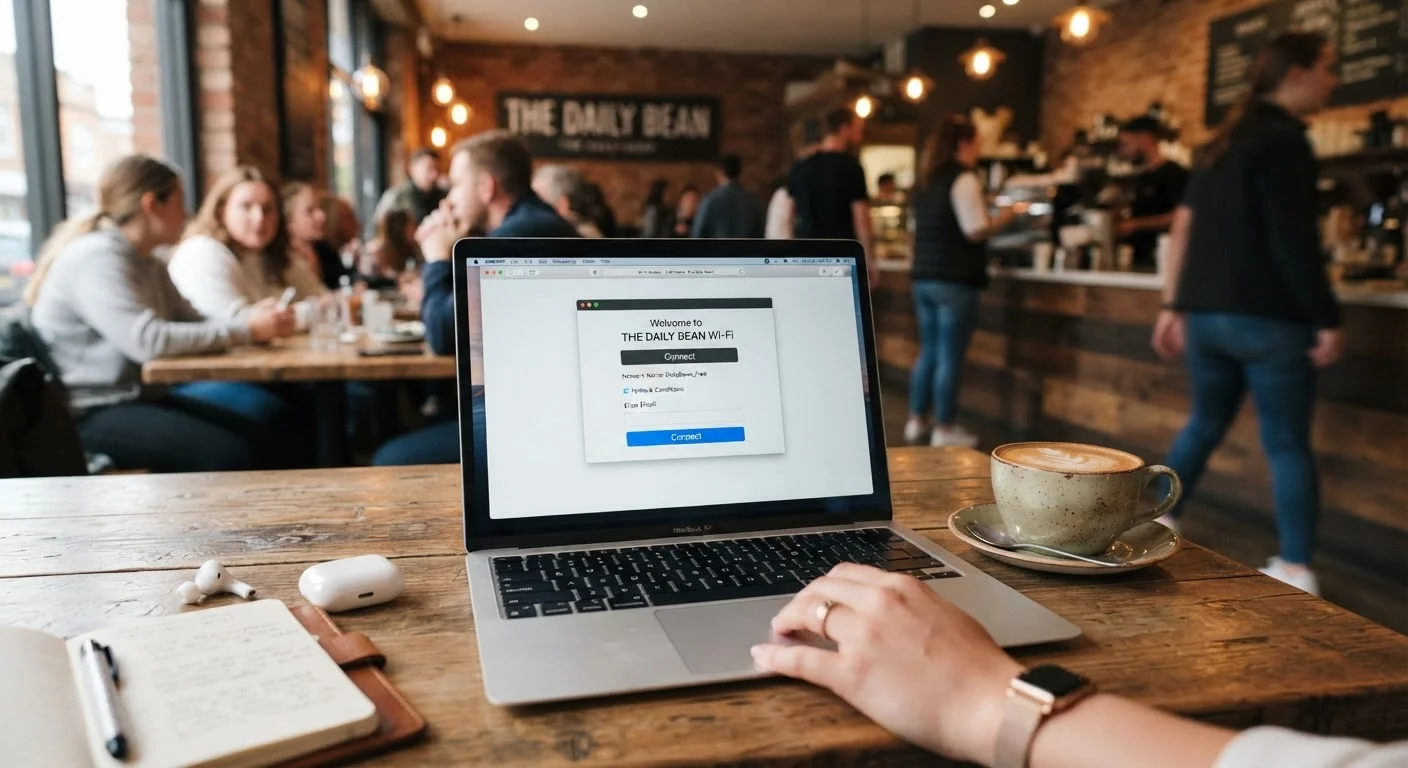
The login screens that appear when you first join a public Wi-Fi network - known as captive portals - are often delivered over plain HTTP, not HTTPS. Any information you enter into these pages before the secure connection is established can potentially be observed on the network.
Captive portals can also be spoofed. A convincing fake login page on an evil twin hotspot can collect email addresses, credentials, or payment details from users who assume they're authenticating with a legitimate venue. Treat captive portals with the same skepticism you'd apply to an unfamiliar website.
Captive portal login screens are often unencrypted and can be spoofed to steal credentials before you realize anything is wrong.
How to Reduce Your Exposure on Public Networks
No single habit eliminates all risk, but several practices meaningfully reduce your exposure when you need to use public Wi-Fi.
Use a VPN on Public Networks
A Virtual Private Network (VPN) encrypts the traffic between your device and the VPN server, making it significantly harder for others on the same network to intercept or read your data. Look for a reputable VPN provider with a clear no-logs policy. While a VPN doesn't eliminate all risks - your traffic is still visible to the VPN provider - it substantially raises the bar against local network-level attacks.
Consider whether the task you're doing actually requires a sensitive connection. Streaming a video or reading news articles carries far less risk than logging into your bank account or filing documents. When mobile data is available, it's often a more private alternative - something worth understanding in context of how your device chooses connections, explained in our piece on Wi-Fi vs. mobile data.
Public Wi-Fi is part of a broader internet connectivity landscape where understanding the infrastructure helps you make smarter choices. The more you know about how these networks actually work, the less likely you are to be caught off guard.